


EMBEDDING URL LINKS INTO TEXT
We encourage having your Portal pages looking as clean as possible; as such, you have the ability to embed a URL link into text.
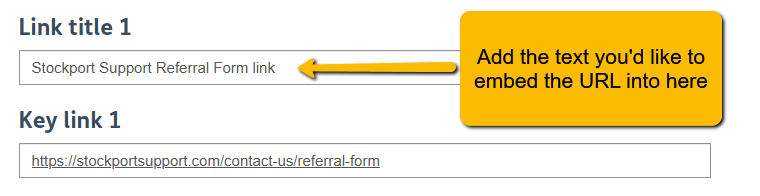
1. In your Portal Page, locate the URL link you'd like to embed.

2. Type the text you'd like to display instead of the URL
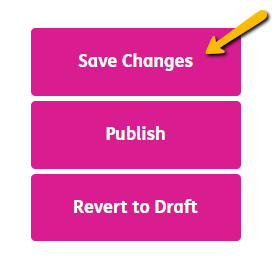
3. Scroll down and click "Save Changes" to ensure your work is saved.
Please note: You may have to wait 15 - 30 minutes for your changes to display. If after this time they have not, please let us know.
4. After waiting for the allotted time, your changes will have been successful, and your URL links will be embedded into the text you assigned.
